

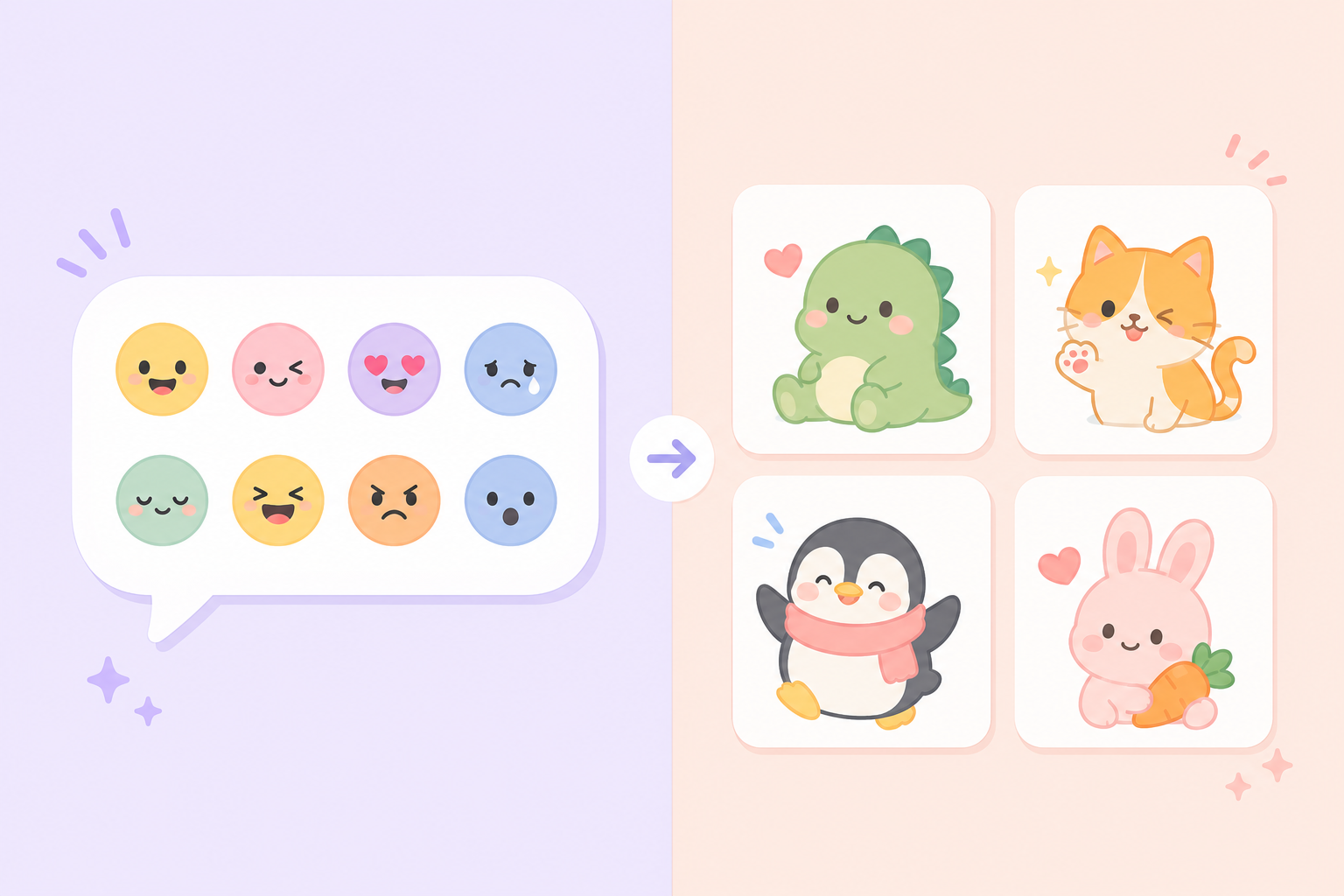
Discord gives server admins two very similar-looking but functionally different tools for custom content: emoji and stickers. They're both custom images members can use during conversation, but they serve different purposes, and picking the right one for a given upload makes a real difference in how useful it ends up being.
The core difference between emoji and stickers
Custom emoji work inline — they can be typed directly into a sentence, used as message reactions, or dropped into a conversation alongside regular text. Stickers, by contrast, are larger standalone images sent on their own, functioning more like a small message than a piece of punctuation.  A black and white cat with a mustache is looking at the camera with a caption that says... — view on SoundGIFs That structural difference should guide which format a new upload belongs in.
Size and visual weight
Emoji are small and meant to blend into text without dominating the message. Stickers are considerably larger and meant to be seen clearly on their own, which makes them better suited to bigger, more expressive images that would lose detail shrunk down to emoji size.
When to upload something as an emoji
If the image is meant to be used as a reaction to other people's messages, or dropped inline within a sentence the way a regular emoji would be, it belongs as a custom emoji. Server-specific reaction icons, small mascots, or inside-joke symbols all tend to work better in this smaller, more flexible format.
Reaction-specific use cases
Custom emoji are also the only option for message reactions — Discord doesn't currently support using a sticker as a reaction, so anything intended for that specific purpose has to go through the emoji upload path instead.
When to upload something as a sticker
Larger, more detailed images — especially anything animated or meant to make a bigger visual statement on its own — usually work better as stickers. If the goal is closer to sending a mini reaction image similar to a discord sticker ideas pack than punctuating a sentence, sticker format is the better fit.
Server limits to keep in mind
Discord servers generally support more custom emoji slots than sticker slots, and the number of available sticker slots scales with the server's boost level. Admins managing a smaller or unboosted server may find it worth prioritizing emoji uploads for common reactions and reserving limited sticker slots for a handful of standout images.
Making the decision easier
A simple rule of thumb: if it needs to sit inside a sentence or work as a reaction, upload it as an emoji. If it's meant to stand alone as its own visual moment, a sticker makes more sense. Most active servers end up using both formats side by side rather than favoring one exclusively.
Conclusion
Choosing between a Discord emoji and a sticker comes down to how the image is meant to be used — inline and reactive, or standalone and expressive. Browse SoundGIFs' sticker ideas for community servers for inspiration on your next Discord upload.