

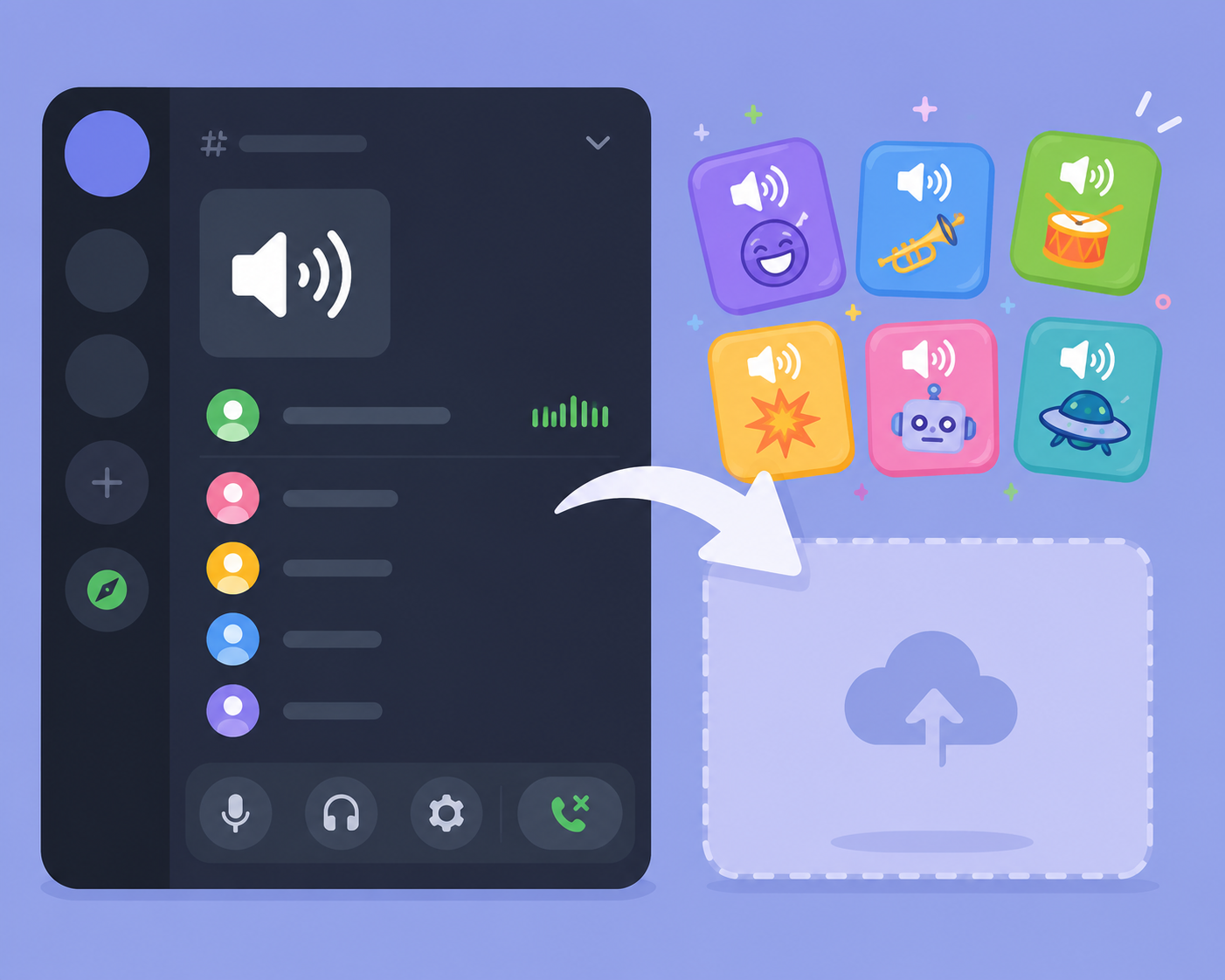
A soundboard can make a small Discord server feel a lot more alive, but it's easy to either under-build it into something nobody uses, or over-build it into a cluttered mess nobody can navigate. For a small, casual community, the goal is a focused, easy-to-use set of sounds that actually gets played.
Starting with a small, focused set
For a small server, somewhere between eight and fifteen sounds tends to hit the right balance — enough variety to cover common reactions and inside jokes without overwhelming members trying to quickly find the right clip during an active voice chat.
Why smaller is often better
A huge soundboard sounds appealing in theory, but in practice, members are far more likely to actually use a soundboard when it's small enough to scan quickly, rather than scrolling through dozens of rarely-used clips to find the one they want.
Choosing the right sounds
For a small community, sounds tied to server-specific inside jokes or recurring moments tend to get used far more than generic meme sounds anyone could find anywhere.  A black and white cat with a mustache is looking at the camera with a caption that says... — view on SoundGIFs A soundboard built around your specific group's humor will almost always feel more alive than a generic one.
Balancing generic and inside-joke sounds
A mix works well — a handful of broadly funny, universally understood sounds alongside a few genuinely inside-joke clips specific to your server's history and running gags, giving both new and longtime members something to engage with.
Deciding who can upload sounds
For a small, trusted community, opening up sound uploads to regular active members often works fine and keeps the board feeling collaborative. Larger or less tightly-knit servers might prefer restricting uploads to moderators to avoid the board filling up with low-effort or off-topic clips.
Setting basic ground rules
Even in a casual server, a simple informal guideline — keep clips short, keep them appropriate for the server's general tone — helps prevent the soundboard from drifting into content that doesn't fit the community.
Maintaining the soundboard over time
Periodically reviewing which sounds actually get played and removing ones that never come up keeps a small soundboard from slowly bloating into something unwieldy. This is similar upkeep to how to add custom sounds to a discord soundboard, just applied as an ongoing habit rather than a one-time setup task.
Conclusion
A well-built Discord soundboard for a small community stays focused, specific to your server's own humor, and manageable enough that members actually use it. Browse SoundGIFs' sound effects library for clips worth adding to your next soundboard update.