

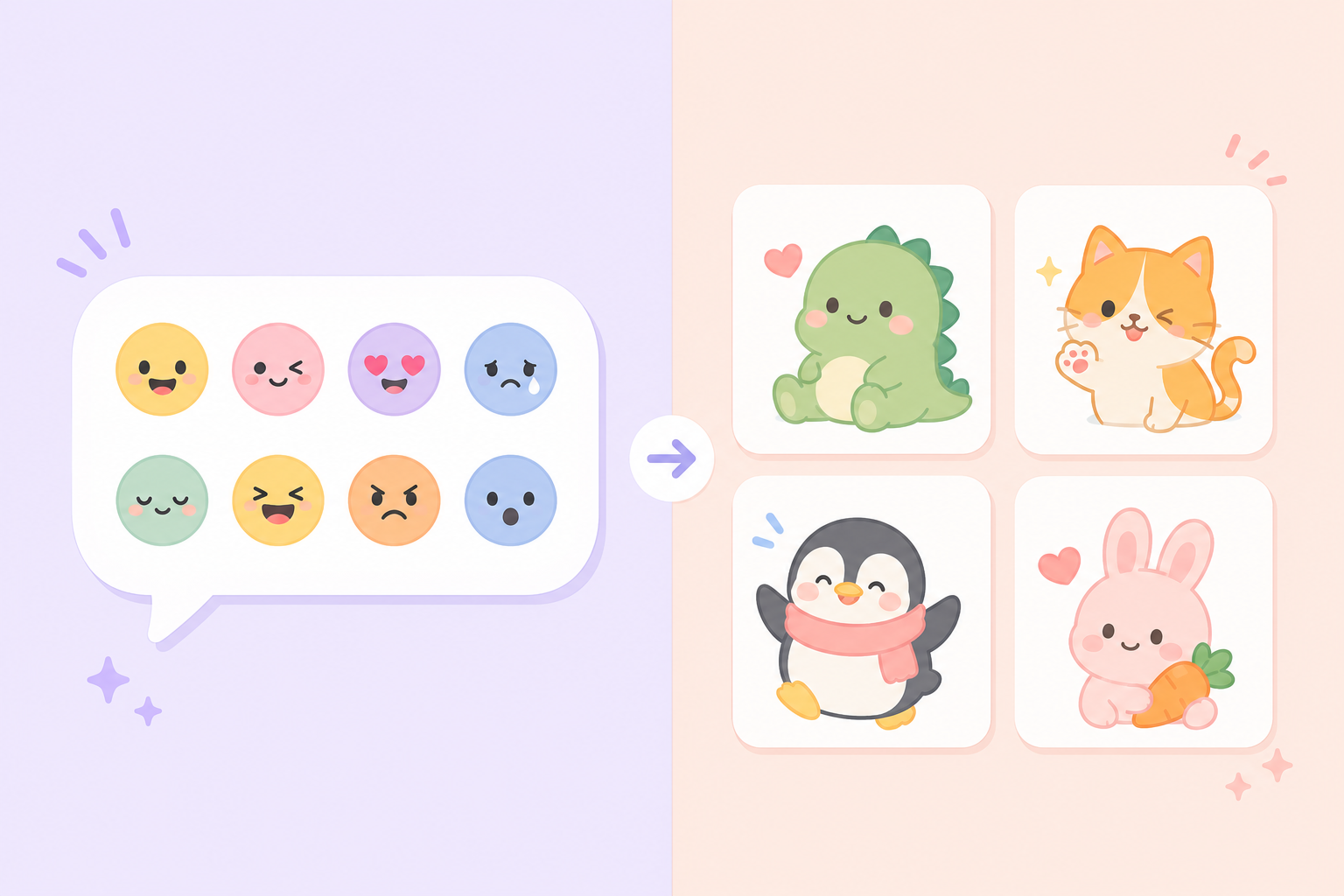
Open the same message box in Discord and you'll find two very different ways to add personality to your chat: a small round emoji picker and a separate, larger sticker tray. The discord emoji vs stickers question comes up constantly because the two features look similar at a glance but behave quite differently once you actually try to use them, upload your own, or react to a friend's message.
This guide lays out exactly how discord emoji vs stickers differ — in size, placement, upload process, and the situations each one is actually built for — so you stop guessing which one to reach for.
Discord Emoji vs Stickers: The Basic Difference
Emoji in Discord are small inline icons, similar to the emoji on your phone's keyboard, except a server can also add custom ones. They can be typed inline within a sentence, used to react to a message by hovering and clicking the reaction icon, and they render small — usually around the size of a single character of text.
Stickers are a separate feature entirely. They are larger, stand-alone images (or short animations) that get posted as their own message rather than tucked inside a sentence. You cannot type a sticker inline with text, and you cannot use a sticker as a message reaction. A sticker is always its own post in the channel.
That one structural difference — inline and reaction-capable versus stand-alone and message-only — explains almost every other distinction between the two features.
How Custom Emoji Work on Discord
Any server can upload custom emoji, and the number allowed scales with the server's boost level, much like stickers do. Once uploaded, members type the emoji's name between colons, like typing a shortcode, and Discord's autocomplete suggests it as they type. Custom emoji also show up as options when reacting to any message in the server.
A major perk of Discord emoji is portability with Nitro: subscribers can use custom emoji from any server they're in, anywhere on Discord, not just inside the server that uploaded them. Non-Nitro users can only use a server's custom emoji while they're actively inside that server.
Emoji File Requirements
Custom emoji need to stay under a small file size limit and are typically square, static PNG or animated GIF files. Because they render so small, incredibly detailed art tends to look muddy — simple, high-contrast designs read far better at emoji size.
How Discord Stickers Work
Stickers post as a full message, appearing much larger than an emoji, often with the sticker's name shown as a small caption beneath it depending on your Discord settings. Members open the sticker tray, browse by server or by Discord's built-in sticker categories, and click to post.
There are two kinds of stickers available on Discord: built-in stickers that Discord provides to everyone, and custom stickers that individual servers upload for their own members. Unlike emoji, sticker portability with Nitro works differently — Nitro subscribers can send stickers from other servers they belong to, but the availability and behavior can vary, so it's worth checking Discord's current rules if that matters to your use case.
Sticker File Requirements
Stickers accept PNG or APNG files, and Discord enforces its own size and dimension limits separate from emoji. Because stickers display larger, there's more room for detailed artwork, shading, and character expressions than an emoji format allows.
 A cute cartoon cat with a heart on its nose — view on SoundGIFs
When to Use an Emoji Instead of a Sticker
Emoji make more sense when you want to:
- React quickly to a specific message without adding a new message to the channel
- Add a small visual accent inside a sentence you're typing
- Keep the chat compact, especially in fast-moving channels where large images would push conversation off-screen quickly
When to Use a Sticker Instead of an Emoji
Stickers make more sense when you want to:
- Make a bigger visual statement as a stand-alone post, like a greeting, celebration, or reaction to an event
- Express something an inline icon can't carry well, since sticker art can show a full scene or character pose
- Avoid typing anything at all — a sticker can replace an entire message on its own
If you're building out a server's visual identity, it often makes sense to plan emoji and stickers together rather than separately. For instance, you might reserve emoji for quick reactions and stickers for bigger moments, then design both around a consistent visual style. For inspiration on sticker themes that pair well with a lively chat culture, take a look at meme sticker packs or browse discord sticker ideas for community servers if you're planning a full set rather than a single upload.
Common Mix-Ups Worth Clearing Up
A few misconceptions come up often enough to address directly. First, stickers cannot be used as message reactions the way emoji can — if you try to react to someone's message, only emoji will appear as an option. Second, typing a sticker's name in chat does not post the sticker; you have to select it from the sticker tray. Third, emoji and stickers draw from separate upload slots and separate limits, so maxing out your server's emoji slots has no effect on how many stickers you can still add.
If you're deciding where to invest your design effort first, consider how your community actually communicates. Servers with fast-paced, reaction-heavy chat tend to get more mileage out of a solid custom emoji set, while servers built around events, announcements, or a strong shared sense of humor often lean more on stickers.
How Boost Levels Affect Both Features
Both custom emoji and custom stickers scale with a server's Nitro boost level, but they're counted independently — boosting your server unlocks more emoji slots and more sticker slots at the same time, though the exact numbers differ between the two features. This is worth planning around if you're a server owner deciding where to focus your limited slots early on. A brand-new, unboosted server starts with a fairly small allotment of both, which is one reason many communities prioritize a handful of versatile custom emoji first, since they tend to see more consistent day-to-day use than stickers in a small or newly formed server.
As a server grows and earns more boosts, it becomes easier to build out a fuller set of both features without worrying as much about running out of room. It's still worth being deliberate rather than filling every slot the moment it becomes available — a curated set of emoji and stickers that members actually recognize and use will always serve a community better than a maxed-out tray full of designs nobody remembers.
How Mobile and Desktop Experiences Differ
The core discord emoji vs stickers distinction holds true across both mobile and desktop, but the picker interfaces differ slightly. On mobile, the sticker tray and emoji picker are usually accessed through separate icons near the message box, and scrolling through a large custom sticker collection can feel slower on a smaller screen. Desktop users typically get a slightly faster search experience for both, since typing a name is often quicker than scrolling and tapping. If your server has a particularly large custom set of either, keeping names short, memorable, and consistent becomes even more important for mobile users trying to find the right one quickly.
Conclusion
The discord emoji vs stickers distinction comes down to size, placement, and function: emoji are small, inline, and reaction-capable, while stickers are larger, stand-alone posts with no reaction use. Both features support custom uploads scaled by your server's boost level, and both reward simple, high-contrast art over overly detailed designs. Once you understand which feature fits which moment, building out your server's set becomes a lot easier to plan — and SoundGIFs has ready-made sticker art you can browse if you're ready to start filling out your own tray.