

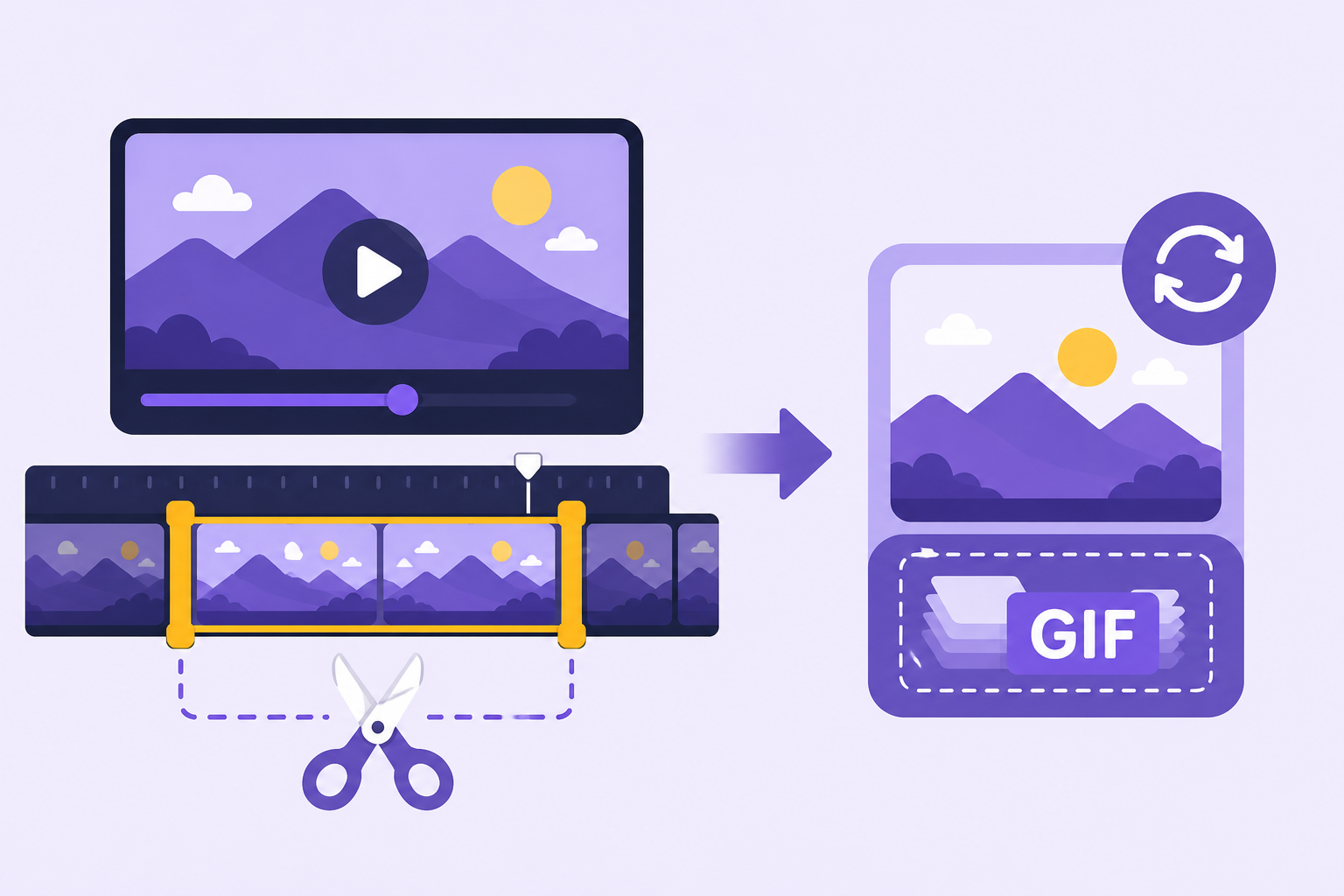
A great Twitch moment often deserves to travel beyond Twitch itself, but clip links don't always play nicely outside the platform. Converting a Twitch clip to a gif solves that — a portable, instantly playable format that works anywhere a Twitch embed link might not.
Why convert a clip instead of just sharing the link
A Twitch clip link requires someone to click through and load Twitch's player, which adds friction and doesn't always embed cleanly on other platforms. A GIF plays instantly, right inside a chat app, forum post, or social media feed, without asking anyone to leave where they already are.
Where GIFs work better than clip links
Messaging apps, forums, and many social platforms handle GIFs far more gracefully than embedded video links from another platform, making a converted clip much easier to actually get seen and shared compared to a raw Twitch URL.
The general conversion process
Most approaches start with either downloading the clip directly or grabbing its underlying video file, then running that footage through a video-to-GIF conversion tool.  A bald man wearing glasses and a white shirt is sitting in a gaming chair . — view on SoundGIFs From there, trimming down to just the specific moment worth sharing keeps the resulting file focused and manageable.
Trimming to the essential moment
Since GIF file sizes grow quickly with length, isolating just the core moment — rather than converting an entire multi-second clip in full — keeps the file size reasonable while still capturing exactly what made the clip worth sharing in the first place.
What to expect in terms of quality
Some quality loss is normal when converting to GIF, since the format uses a more limited color palette and different compression than standard video. For most short, simple clips this isn't especially noticeable, though clips with a lot of fast motion or fine detail may show more visible compression artifacts.
Balancing file size and quality
Most conversion tools offer some control over resolution and frame rate, and lowering these slightly can meaningfully reduce file size without a dramatic drop in visible quality, which matters especially for sharing on platforms with file size limits.
Sharing the finished GIF
Once converted, a Twitch-clip-turned-GIF works well anywhere a static image would — group chats, forum posts, or social captions — extending a clip's reach well past viewers who happen to be active on Twitch specifically. This mirrors the same portability benefit covered in how to make a gif from a video more broadly.
Conclusion
Converting a Twitch clip to GIF turns a platform-locked moment into something genuinely portable, ready to share wherever the conversation happens to be. Browse SoundGIFs' GIF collection for more inspiration on capturing your next great stream moment.