

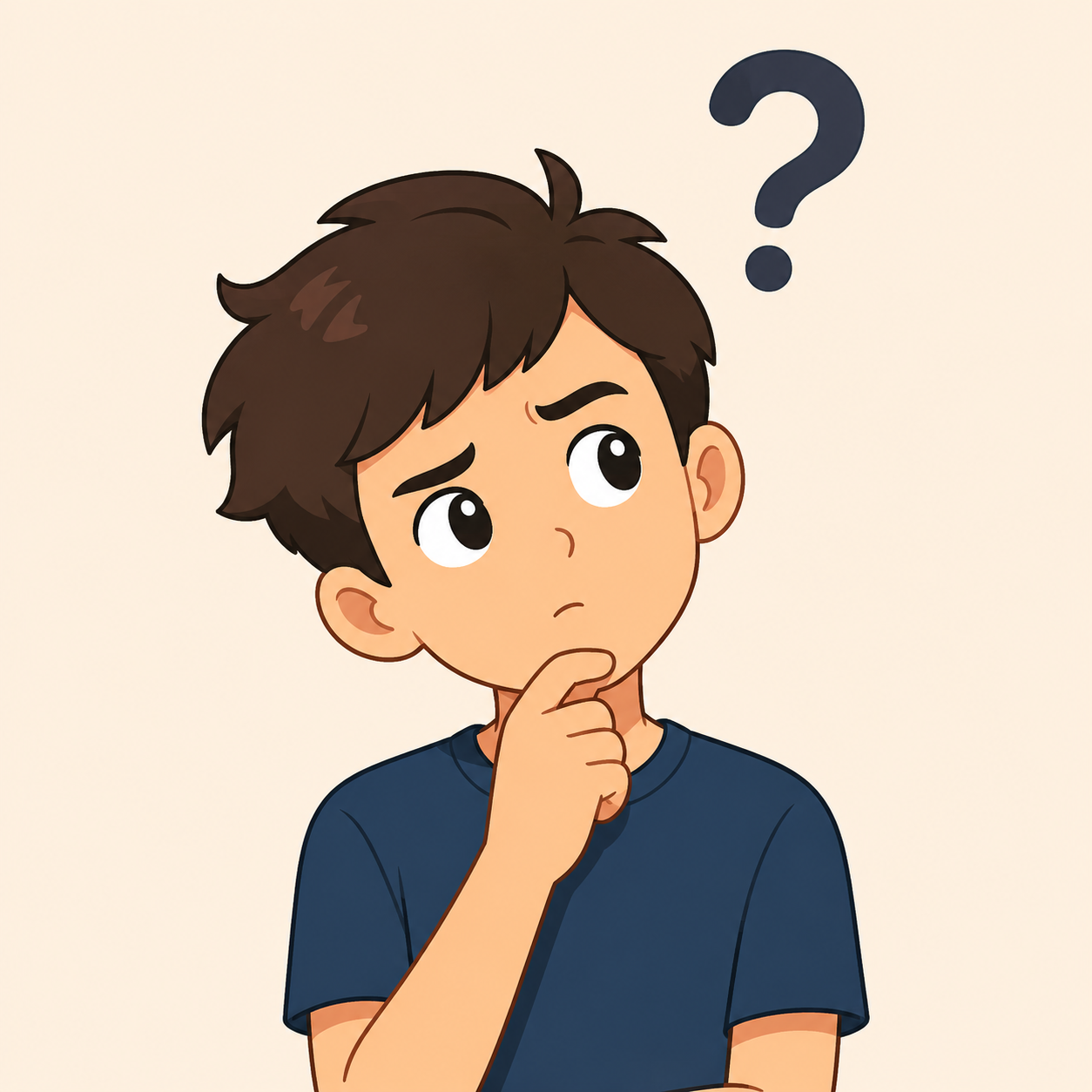
A coworker sends a message that reads "did the thing get the other thing yet lol" with zero prior context, and typing out "what thing? what other thing?" feels like more effort than the message deserves. A confused gif handles it in one motion: head tilt, furrowed brow, unmistakable "I genuinely do not understand what you just said."
Confused gifs occupy a strange but essential niche. Unlike most reaction gifs, which express a clear emotional stance, a confused gif is fundamentally a question mark rendered as an expression. It doesn't judge, agree, or celebrate — it just flags that something needs clarification, and it does that job better than actual words often can, because typing out confusion can sometimes come across as more critical or annoyed than a simple puzzled look would.
The Many Flavors of Confusion
Not all confusion feels the same, and confused gifs reflect that range. There's the light, momentary confusion of not quite catching a joke. There's the deeper confusion of a message that seems to contradict itself. There's the slow-building confusion of watching something happen that makes no logical sense. And there's the specific confusion of being included in a conversation with no idea what's being discussed. Matching the right flavor of confused gif to the situation keeps the reaction feeling genuine rather than generic.
Vague or Out-of-Context Messages
The classic use case: someone sends a message assuming you have context you don't actually have. Maybe it references a conversation from a different chat, or picks up a thread from days ago without any recap. A simple, head-tilted confused gif communicates "I need more information" without making the sender feel like they did something wrong by not explaining better.
Typos That Change the Whole Meaning
Autocorrect disasters and typos that accidentally spell out something completely different from what was intended are a rich source of confused gif moments. When someone sends a sentence that technically doesn't make sense because of a swapped word,  A close up of a person 's face with green hair and earrings — view on SoundGIFs is the natural response, capturing that split-second of "wait, what does that even mean" before the typo clicks.
Plot Holes and Inconsistent Stories
Whether it's a friend recounting an event where the details don't quite line up, or a show or movie with a plot point that doesn't track logically, confused gifs work well for flagging the inconsistency without turning it into a big deal. This is a gentler alternative to a side eye gif, since confusion doesn't necessarily imply suspicion — it's genuinely not understanding rather than doubting someone's honesty.
Being Looped Into a Conversation Late
Getting added to a group chat mid-argument, or being CC'd on an email thread that's already ten messages deep with no summary, produces a very specific kind of confusion. A confused gif here signals "I clearly missed something" and often prompts someone to catch you up, which is more efficient than scrolling back through dozens of messages yourself.
Technical or Jargon-Heavy Explanations
When someone explains something using terminology you don't understand, whether it's a technical process at work or a niche hobby's inside terminology, a confused gif is a low-pressure way to signal "please explain that differently" without feeling like you're admitting ignorance in a heavier way than the moment calls for.
Confused GIFs at Work
In professional settings, confused gifs serve a genuinely useful function: they flag miscommunication quickly, before it snowballs into a bigger misunderstanding. A team member who doesn't fully understand an instruction can respond with a mild confused gif plus a quick clarifying question, which often reads as more approachable than a blunt "this doesn't make sense." Keep workplace confused gifs on the milder side — a simple head tilt rather than an exaggerated, cartoonish version — since the tone should read as genuinely seeking clarity rather than mocking the message.
Confused GIFs in Client or Customer Conversations
It's generally best to avoid sending a confused gif directly to a client or customer, even a mild one, since it can come across as unprofessional or as though their message was poorly written. Confused gifs work best internally, among coworkers who share the same casual communication norms.
Confused GIFs vs Other "I Don't Get It" Reactions
Confusion sits in a slightly different lane than skepticism or disbelief. A side eye gif implies you suspect something's off; a confused gif implies you simply don't have enough information to form an opinion yet. If suspicion is actually what you're feeling rather than genuine puzzlement, it's worth looking at browse side eye gifs for suspicious replies instead, since sending a confused gif when you actually mean "I don't believe you" can send a mixed signal. Similarly, if the confusion tips over into being genuinely stunned by something unexpected, a explore mind blown gifs for shocking reveals search might capture the moment more accurately than a simple puzzled look.
Choosing the Right Level of Confusion
A quick, subtle head tilt works for minor, low-stakes confusion, like not immediately catching a reference. A more exaggerated confused gif, with wide eyes and an open mouth, fits bigger moments of genuine bewilderment, like reading a plot twist that seems to contradict something established earlier. Matching the intensity keeps the reaction proportional; using your most dramatic confused gif for a minor typo can read as more theatrical than the situation calls for.
Subtle Confusion for Minor Moments
Reserve the smallest, quickest confused gifs for genuinely low-stakes mix-ups, like a slightly ambiguous text or a minor scheduling mix-up. These barely register as a real interruption in the conversation, which is exactly the point; they flag the confusion without making a bigger deal of it than necessary.
Exaggerated Confusion for Genuine Bewilderment
Save the wide-eyed, more theatrical confused gifs for moments that actually warrant a bigger reaction, like a genuinely baffling plot development or a message that seems to contradict something said minutes earlier. Using the bigger gif here signals that you're not just mildly unclear, you're genuinely stumped, which usually prompts a more thorough explanation in response.
Confused GIFs as an Icebreaker for Clarifying Questions
One underrated use of confused gifs is as a soft opener before an actual question. Sending the gif first, then following up with "wait, can you explain that again," feels less abrupt than leading with the question alone, since the gif signals your confusion is genuine and a little self-deprecating rather than critical of how the message was written. This small sequencing trick tends to make people more willing to re-explain something without feeling like they did a bad job the first time, since the gif frames the gap as being on your end rather than theirs.
Conclusion
Confused gifs fill a specific and surprisingly common gap in digital conversation: the need to flag that something doesn't make sense without sounding critical or demanding an explanation. From out-of-context messages to jargon-heavy work explanations, the right confused gif communicates "please clarify" in a way that feels approachable rather than annoyed. Keep a range of intensities on hand, save the client-facing chats for actual words, and visit SoundGIFs to find the confused gif that matches exactly how lost you feel right now.