

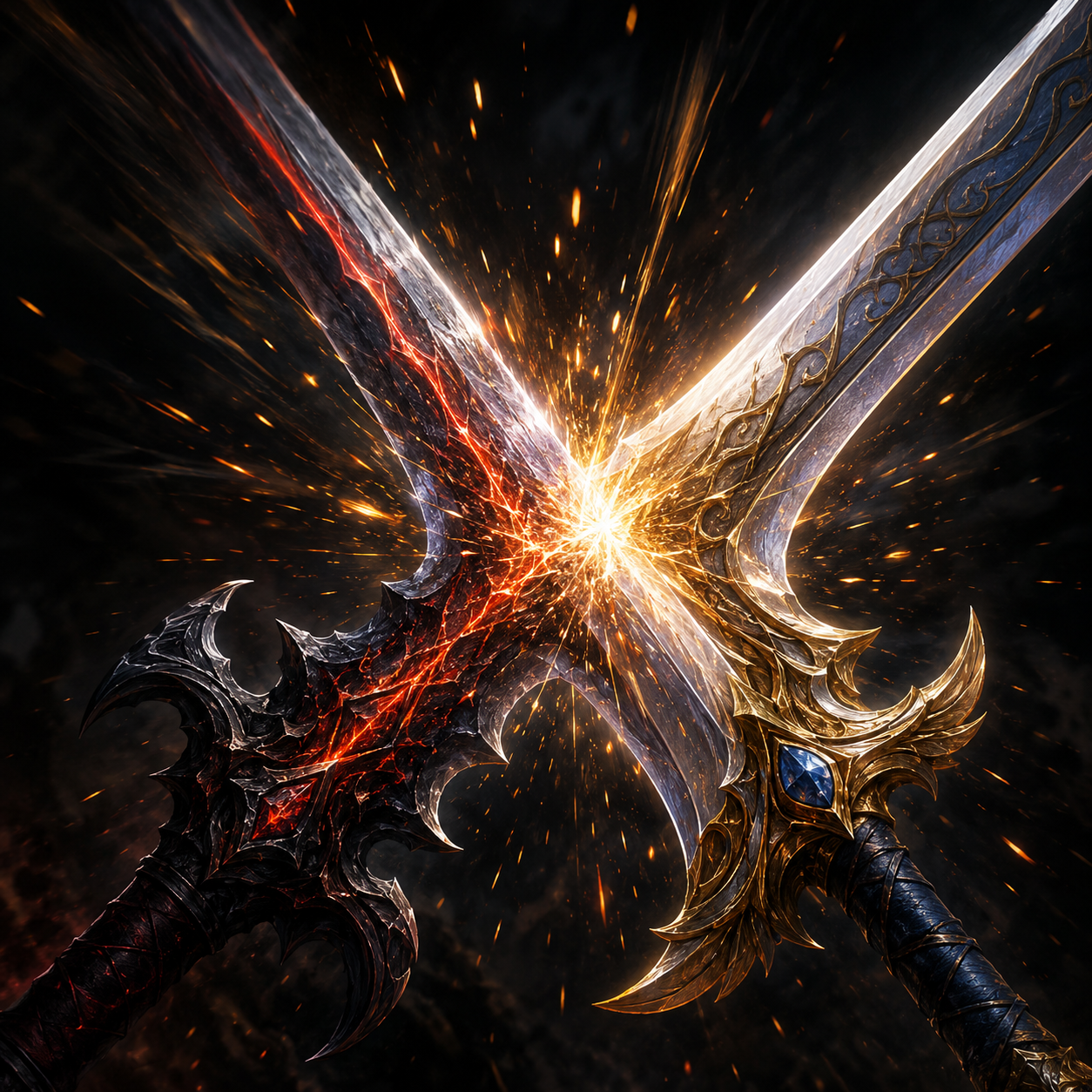
A sword fight looks incomplete without the right clang underneath it. Even a beautifully choreographed combat clip falls flat if the sword clash sound effect sitting on top of it is thin, tinny, or clearly mismatched to the size of the blades on screen. Getting this right matters more than most editors expect, because metal-on-metal audio is one of those sounds everyone has an intuitive sense for, even if they've never held a real blade.
Why the Right Sword Clash Sound Effect Matters So Much
Combat footage — whether it's a fantasy game clip, a stunt choreography reel, or an animated fight scene — relies heavily on audio to sell weight and impact. A visual hit without a strong sound cue reads as soft, almost weightless, no matter how good the animation or camera work is. Conversely, a well-chosen clash sound can make even a mediocre combat clip feel punchy and satisfying, because the ear is doing a lot of the perceptual work the eye can't.
The mistake a lot of editors make is grabbing the first "sword sound" result and dropping it in without checking whether it matches the visual weight of the weapons involved. A thin rapier duel needs a lighter, higher-pitched clash. A pair of massive two-handed greatswords needs something lower, heavier, with more resonance and a longer decay. Using the wrong weight of sound is one of the fastest ways to make a combat edit feel off, even if viewers can't immediately articulate why.
Matching Blade Weight to Sound Character
Think about clash sounds on a spectrum from bright and quick to deep and resonant. Bright, quick clashes — sharp metallic pings with fast decay — suit lighter weapons like sabers, rapiers, or daggers, and work well in fast-paced choreography with lots of rapid exchanges. Deep, resonant clashes with longer ring-out suit heavier weapons and slower, more deliberate combat, where each hit is meant to feel consequential rather than quick.
It's also worth paying attention to how many distinct clash sounds you're using across a single fight scene. Real sword combat doesn't produce the exact same sound on every hit — angle, force, and blade contact point all vary the tone. Rotating between two or three similar but not identical clash sounds across a longer fight sequence keeps the audio from feeling like a looped sample.
Layering for a Fuller Impact
A single clash sample rarely tells the whole story on its own. Editors working on higher-effort combat clips often layer two or three sounds together: a sharp metallic transient for the initial contact, a lower body hit or resonance layer underneath for weight, and sometimes a subtle whoosh just before impact to sell the swing itself. This layering approach is standard practice in game audio design, and it translates well to fan edits, gaming montages, and animation projects alike.
If you're building a combat sequence with multiple exchanges, it helps to have a small library of complementary sounds rather than relying on a single clash file for the entire scene. You can browse combat and impact sound effects to find whooshes, blocks, and secondary hits that pair naturally with a core clash sound.
Timing the Clash to the Frame
Precise sync matters as much as sound selection. The clash needs to hit on the exact frame the blades visually connect — even a couple frames of offset is noticeable, especially on a loop or slow-motion replay. When working with fast-paced footage, it's worth slowing playback down while placing the audio cue, then checking the sync again at full speed before finalizing the edit.
For clips with rapid multi-hit exchanges, resist the urge to place a clash sound on every single frame of movement. Not every swing needs its own distinct hit sound; sometimes a single well-placed clash covering a flurry of motion reads better than a cluttered wall of overlapping clangs.
Where These Sounds Get Used
Sword clash effects show up constantly in gaming highlight reels, fantasy fan edits, tabletop RPG stream overlays, and animated fight scene recreations. Streamers running melee-focused games often keep a clash sound loaded as part of their alert or highlight package, triggering it manually or automatically during big combat moments. Video essayists covering fight choreography use them to punctuate specific hits when breaking down a scene frame by frame.
If your content leans heavily into combat or action footage, it's worth building a broader kit beyond just clashes — footsteps, grunts, and impact thuds round out a scene far more convincingly than clash sounds alone. You can check the full gaming sound effects collection for complementary audio that fits alongside sword and combat sounds.
Genre Differences: Fantasy, Historical, and Sci-Fi Blades
Not all sword combat lives in the same sonic world, and treating every project the same way is a missed opportunity. High-fantasy footage — the kind full of enchanted blades, oversized weapons, and larger-than-life duels — tends to support bigger, more exaggerated clash sounds, sometimes with a touch of magical shimmer or extra low-end added underneath the metallic core. It's a genre that rewards a bit of theatrical excess in the audio, matching the heightened visual style.
Grounded historical or realism-focused combat footage asks for the opposite approach. A duller, less musical clang, closer to what real steel actually sounds like when it connects at an angle rather than edge-on, reads as more credible. Overly bright, ringing clash sounds can make historical combat content feel like it wandered in from a fantasy game, breaking the grounded tone the footage is going for.
Sci-fi or energy-blade content is its own category entirely, often blending a metallic clash transient with an electric hum or crackle layer to suggest a weapon that isn't simply steel. Here, the clash sound effect is less about weight and more about establishing what kind of weapon technology the audience is looking at, so pairing a generic sword clash with an energy weapon on screen can feel like a mismatch even if the timing and volume are otherwise perfect.
Common Mistakes to Avoid
The most common issue is volume mismatch — a clash sound that's dramatically louder or quieter than the rest of a clip's audio track sticks out immediately. Always reference the clash against your existing dialogue, music, and ambient levels before finalizing. A second common mistake is using an obviously modern or synthetic-sounding clash in footage meant to feel gritty or grounded; a slightly rawer, less polished metal sound often reads as more authentic than an overly clean studio sample.
Reverb is another detail worth considering. A clash happening in an open field should sound different from one happening in a stone corridor or a small room — a touch of added reverb (or the lack of it) helps ground the sound in the space the footage is actually depicting, rather than sounding pasted on top.
Conclusion
Getting a sword clash sound effect right is a small detail with an outsized effect on how convincing a combat clip feels overall. Matching weight to weapon type, layering for fullness, and nailing the timing turns a decent clip into one that actually sounds as good as it looks.
Once you've got the right weight and tone in mind, SoundGIFs has a range of sword clash clips ready to drop straight into your next combat edit.