

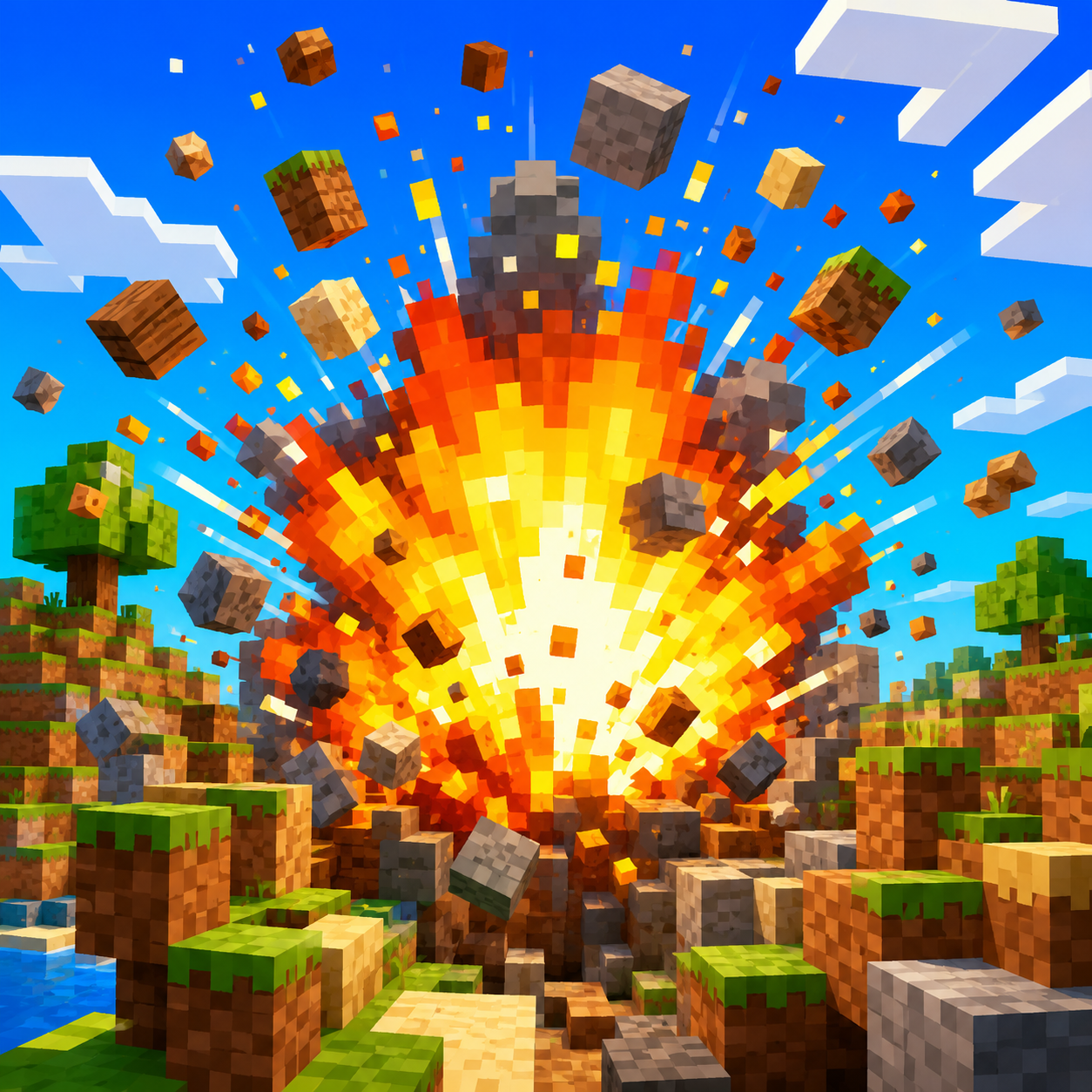
Few sounds in gaming are as instantly recognizable as a Minecraft explosion sound — that low, chunky boom with a slight rumble tail that tells you a block of terrain, or an unlucky base, just got demolished. For anyone editing gameplay footage, it's one of the most useful clips to have on hand, because explosions are rarely captured cleanly through in-game audio when you're mixing commentary, music, and other effects.
Whether you're building a montage of near-misses, a base-raid highlight, or a comedic "everything just blew up" moment, having a clean, standalone blast sound gives you far more control than relying on whatever the raw game audio happened to capture.
What Makes a Good Minecraft Explosion Sound
The defining features of this style of explosion are a punchy low-end thump, a slightly gritty texture (as opposed to a smooth, cinematic boom), and a short rumble that trails off rather than a long, drawn-out reverb tail. It reads as blocky and mechanical rather than realistic, which fits the visual style of the game it's associated with.
That character matters for editors: a Hollywood-style cinematic explosion sound will feel mismatched dropped over sandbox-style gameplay footage, while a punchier, more compact blast sound sits naturally with that kind of content.
Why Gamers Use Explosion Sound Clips in Highlight Reels
TNT and Creeper-Style Explosion Moments
Any sandbox building game has its share of chaos moments — a chain of explosive blocks going off, an accidental detonation near a base, or a last-second escape from a blast radius. These moments are exactly what highlight reels are built around, and a clean explosion clip lets editors punch those moments up even if the original capture had messy or quiet audio.
Building Tension Before the Blast
A well-placed explosion sound isn't just about the boom itself — it's about the half-second before it. Skilled editors will cut to a close-up, hold a beat of near-silence, then let the explosion land right on the cut. That combination of visual pacing and audio timing is what turns a random clip into a genuinely satisfying highlight moment.
browse gaming highlight reel sound effects
Types of Explosion Sounds Worth Having in Your Library
Close-Range Blasts vs. Distant Rumbles
A close-range blast is sharp, loud, and immediate — the kind of sound you'd use for a first-person "it just happened right next to me" moment. A distant rumble is lower, softer, and slightly delayed, better suited for wide shots or moments where the explosion is part of the background rather than the main focus of the frame.
Having both versions available means you can match the sound to the camera angle and distance shown on screen, which makes the overall edit feel far more intentional.
Chain-Reaction Sequences
Some of the best highlight clips involve a series of explosions going off in sequence — a chain reaction that escalates rather than a single blast. For these moments, editors often layer several explosion clips back-to-back with slightly staggered timing, sometimes increasing the volume or pitch slightly with each one to build momentum toward a final, biggest boom.
How to Add a Minecraft Explosion Sound to Your Edit
- Download the clip in a format compatible with your editor — WAV for the cleanest quality, MP3 if file size is a concern.
- Mute or lower the original in-game explosion audio in the section you're editing, so the two sounds don't clash or phase against each other.
- Line up the new clip's peak with the exact frame of the visual blast.
- Add a small amount of low-end boost if your explosion needs to feel bigger than the raw clip, but be careful not to distort or clip the audio.
- If you're building a chain-reaction sequence, stagger multiple clips with slightly increasing volume for a natural escalation effect.
For live streaming, some creators also bind a Minecraft explosion sound to a channel points redemption or alert, letting viewers "detonate" a fun stream alert during quieter moments of a build stream.
see more gaming sound effect packs
Where Else These Clips Get Used
Beyond highlight reels, this style of explosion sound shows up in:
- Montage videos compiling a series of close calls or funny accidents
- Tutorial or build videos, marking a redstone contraption or trap successfully triggering
- Stream transitions, used as a comedic "scene change" cue
- Meme edits, where the explosion sound is dropped over an unrelated moment for comedic exaggeration
- Short-form clips, where a punchy sound effect helps a video grab attention in a fast-scrolling feed
check out gaming reaction sound clips
Mixing Explosion Sounds With Other Gaming Audio
A Minecraft explosion sound clip rarely plays completely alone in a finished edit — it usually sits alongside music, commentary, and other sound effects, and getting that mix right matters as much as picking the right clip in the first place.
Leave headroom under your voiceover. If you're narrating over a highlight reel, duck the explosion's volume slightly during any overlapping dialogue so the blast supports the moment instead of drowning out what you're saying about it.
Watch your low end. Explosion sounds are heavy on bass, and stacking several of them close together — especially in a chain-reaction sequence — can muddy your overall mix if you're also running background music with a strong bass line. A light EQ cut on the music during explosion moments keeps both elements audible.
Don't forget the silence before the blast. Some of the most effective highlight cuts use a brief moment of near-silence right before the explosion sound hits, which makes the eventual boom feel much bigger by contrast. Cutting straight from busy gameplay audio into an explosion, with no breathing room, often makes the moment feel smaller than it should.
Common Mistakes When Adding Explosion Sounds to Gameplay Clips
A few recurring issues can undercut an otherwise great highlight moment:
- Misaligned timing. Even a few frames of delay between the visual blast and the audio peak makes the whole cut feel unpolished. Always zoom into the waveform to check alignment rather than eyeballing it.
- Overusing the loudest clip. If every explosion in a video uses the same maximum-intensity blast, none of them stand out. Save the biggest, punchiest clip for the video's actual climax.
- Clipping the audio. Boosting an explosion's volume too aggressively can introduce distortion, which reads as a technical error rather than an intentional stylistic choice. A modest boost, checked against your other audio levels, is usually enough.
- Ignoring platform-specific playback. Bass-heavy sounds can behave differently on phone speakers versus headphones or studio monitors. Give your finished edit a quick listen on a phone speaker before publishing, since that's how a large share of viewers will actually hear it.
One more habit worth building: keep a version of your explosion clip trimmed to just the initial impact, separate from the full clip with its longer rumble tail. Fast-cut montages often only need that first sharp hit, and having a pre-trimmed short version on hand saves you from re-editing the same clip's length over and over across a project.
Conclusion
A good Minecraft explosion sound clip gives editors control that raw gameplay audio usually can't provide — a punchy, blocky boom that fits sandbox-style footage and can be timed precisely against a cut. Keep a few variants on hand, from tight close-range blasts to softer distant rumbles, and use staggered layering for chain-reaction moments to build real momentum in a highlight reel. When you're ready to stock up, SoundGIFs has a range of explosion and gaming sound clips you can preview and download for your next montage.