

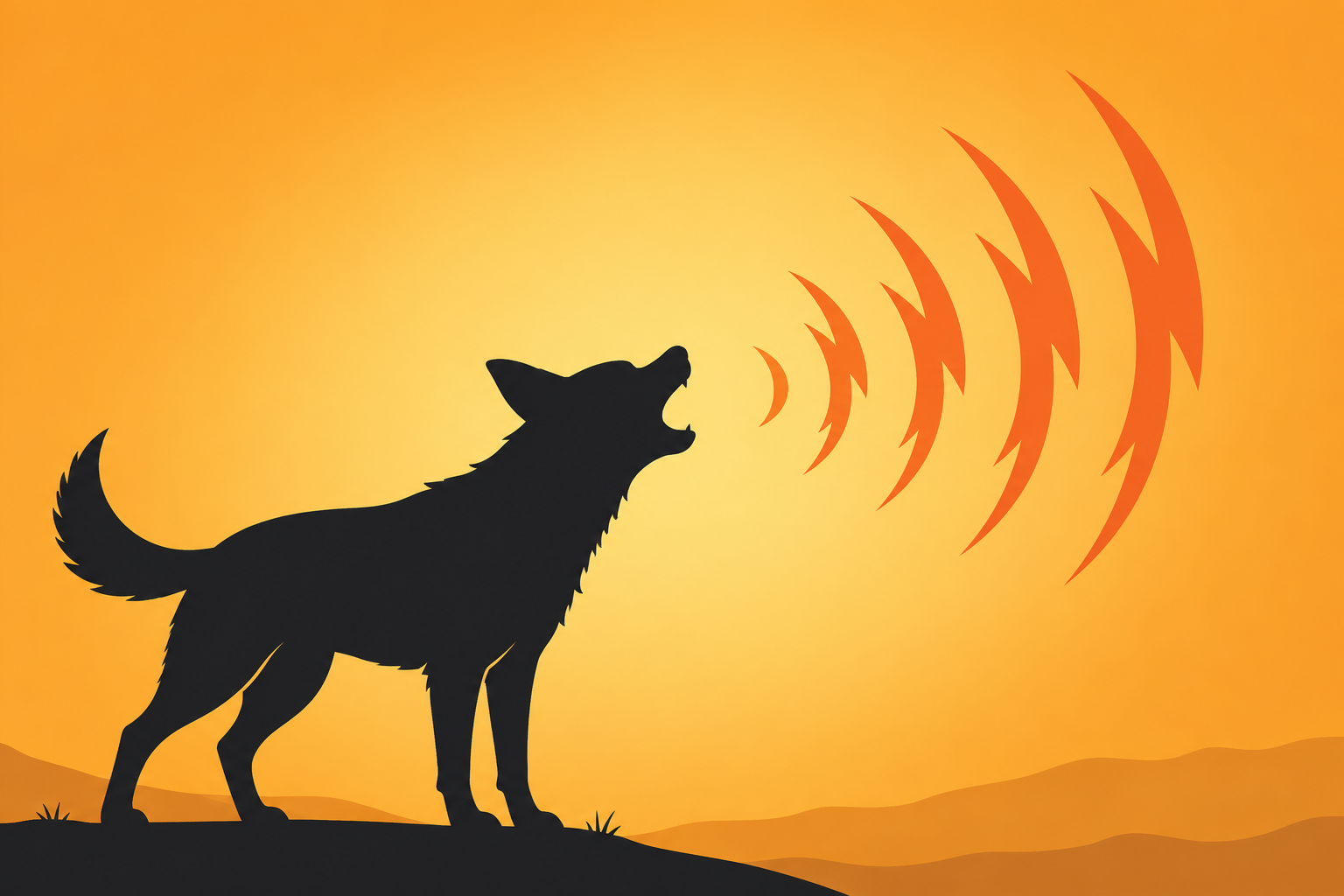
A single sharp bark can do a job that visual alerts can't — it interrupts whatever you're doing and demands immediate attention, which is exactly why dogs have been used as living alarm systems for thousands of years. A dog bark sound effect borrows that same instinctive reaction for digital use, whether it's a security notification, a comedic meme drop, or punctuation in a pet video.
This guide walks through the different categories of bark sounds, the most common ways people actually use them, and practical tips for picking and placing a clip so it does what you actually need it to do.
The Range of Dog Bark Sounds
Dogs bark for a lot of different reasons, and the sound itself changes noticeably depending on the context — something worth knowing before grabbing a random bark clip for a specific use case.
Alert and Warning Barks
A sharp, repeated bark with a slightly aggressive edge is the classic “someone's at the door” or “intruder alert” sound, often deep in pitch and delivered in short, insistent bursts. This is the style most commonly used for security-related notification sounds, since it's designed to communicate urgency instantly.
Playful and Excited Barks
A higher-pitched, quicker bark, sometimes mixed with a whine or a yip, reads as playful excitement rather than a warning — the sound a dog makes when a leash comes out or a favorite person walks in the door. This style works well in lighthearted video content or comedic edits where the goal is warmth rather than urgency.
Single Bark vs. Barking Sequences
A single, isolated bark works as a sharp punctuation mark — useful for comedic timing or a quick alert chime. A longer barking sequence, with several barks in a row, builds a stronger sense of ongoing alarm or excitement, better suited to a scene that needs sustained tension or energy rather than a single quick beat.
Common Uses for Dog Bark Sound Effects
Security and Notification Alerts
Some smart home systems and DIY security setups use a dog bark as a deterrent sound, playing automatically when a camera detects motion, on the theory that the sound of a dog on the property discourages unwanted visitors more effectively than a generic beep or siren. It's also used simply as an attention-grabbing app notification for the same underlying reason a cat meow works — it's a sound humans are primed to notice.
Meme and Comedic Edits
A dog bark dropped into an unrelated video at a moment of tension, awkwardness, or mild chaos has become a familiar comedic device — the bark acting almost like a reaction shot, standing in for exasperation or alarm. This works especially well timed right at a jump cut or an abrupt tonal shift in the footage.
Pet Content and Video Edits
Creators editing dog videos sometimes layer in an isolated bark for emphasis, especially in compilation videos where original audio quality varies significantly between clips. A clean, well-recorded bark effect can smooth out inconsistent audio across a multi-clip edit far better than raw footage audio alone.
Prank and Reaction Content
A sudden, loud bark sound effect is a common jump-scare-adjacent tool in prank videos and reaction content, relying on the same startle instinct that makes a real dog's sudden bark make people jump in real life, just repurposed for comedic effect on screen.
Choosing the Right Bark for Your Project
Matching Breed Tone to Context
Bark pitch varies a lot by dog size — small dogs tend to have higher, sharper barks, while larger dogs have deeper, more resonant ones. A deep bark generally reads as more serious or alarming, making it a better fit for security-style alerts, while a higher-pitched bark tends to read as more comedic or playful, better suited to lighthearted content.
Considering Background Noise in the Clip
Many bark recordings include ambient background noise — outdoor traffic, wind, other dogs barking nearby — which can be a problem if you need the clip to sit cleanly in a mix with other audio. Look for a clip that isolates the bark clearly, or be prepared to do some noise reduction if the raw clip is too busy.
Length and Repetition Needs
Decide upfront whether your use case needs a single bark or a sequence. Notification sounds almost always work best as a single, short bark, since a long barking sequence becomes irritating fast if it triggers repeatedly throughout the day. Video edits have more flexibility, depending on the pacing of the specific scene.
Placement Tips for Video Editors
Syncing to the Right Beat
For comedic use, the bark needs to land precisely on the reaction beat — right as the awkward moment happens on screen, not a half-second before or after. As with most comedic sound effects, being slightly off-time is often what separates a joke that lands from one that falls flat.
Volume and EQ Adjustments
Bark sounds carry a lot of low-mid frequency energy, which can clash with dialogue or music sitting in a similar range. A little EQ carving, pulling back the bark's frequencies where they overlap most with your voice track, helps it stay punchy without muddying the rest of your mix.
Avoiding Repetition Fatigue
Like most comedic sound effects, a bark used too many times in one video loses its impact quickly. Save it for moments that genuinely benefit from the interruption, rather than using it as a default transition sound throughout an entire edit.
Building a Small Library of Dog Bark Sound Effect Clips
A single dog bark sound effect rarely covers every situation a creator or streamer might need, which is why it's worth keeping a small, varied collection on hand. A sharp alert-style bark works well for security or attention-grabbing notifications, a lighter, higher-pitched bark suits comedic or playful content, and a longer barking sequence covers scenes that call for sustained tension or excitement rather than a single quick beat.
When sourcing clips, prioritize ones recorded without heavy background noise, since barks picked up outdoors often carry wind, traffic, or other ambient sound that makes the clip harder to isolate cleanly later. A bark recorded indoors or close to the microphone tends to sit more cleanly in a mix without extra processing.
Matching Clips to Different Projects
Keeping clips organized by intensity and pitch, rather than by a single generic label, makes it much faster to grab the right sound under a deadline. A simple folder structure separating alert barks, playful barks, and longer sequences saves real time compared to scrolling through an unsorted pile of similarly named files.
Avoiding an Overused Default Clip
It's easy to fall back on the same single bark clip for every project once it's proven reliable, but relying on one default sound across many videos can make a channel's audio start to feel repetitive to regular viewers. Rotating between a few different bark clips, even ones with a similar overall character, keeps content sounding fresh without requiring much extra effort.
Conclusion
A dog bark sound effect works because it taps into an instinctive alertness response that's been reinforced by thousands of years of dogs acting as household alarms, making it useful for everything from security notifications to comedic meme drops and pet video edits. Matching the bark's pitch and intensity to your actual use case, keeping the clip clean, and timing it precisely will get the most out of the effect. browse the dog and pet sound effects collection to find a clip for your next project, and check the funny animal GIFs and memes page for matching visuals. SoundGIFs has a range of dog bark clips ready to drop into your soundboard or edit.